
Adding Cloudflare Turnstile validation with data-validate in Docly
A follow-up to our earlier post on data-validate. This time we wire the same backend-validation pattern up to Cloudflare Turnstile — a privacy-friendly, no-puzzle alternative to Google reCAPTCHA.
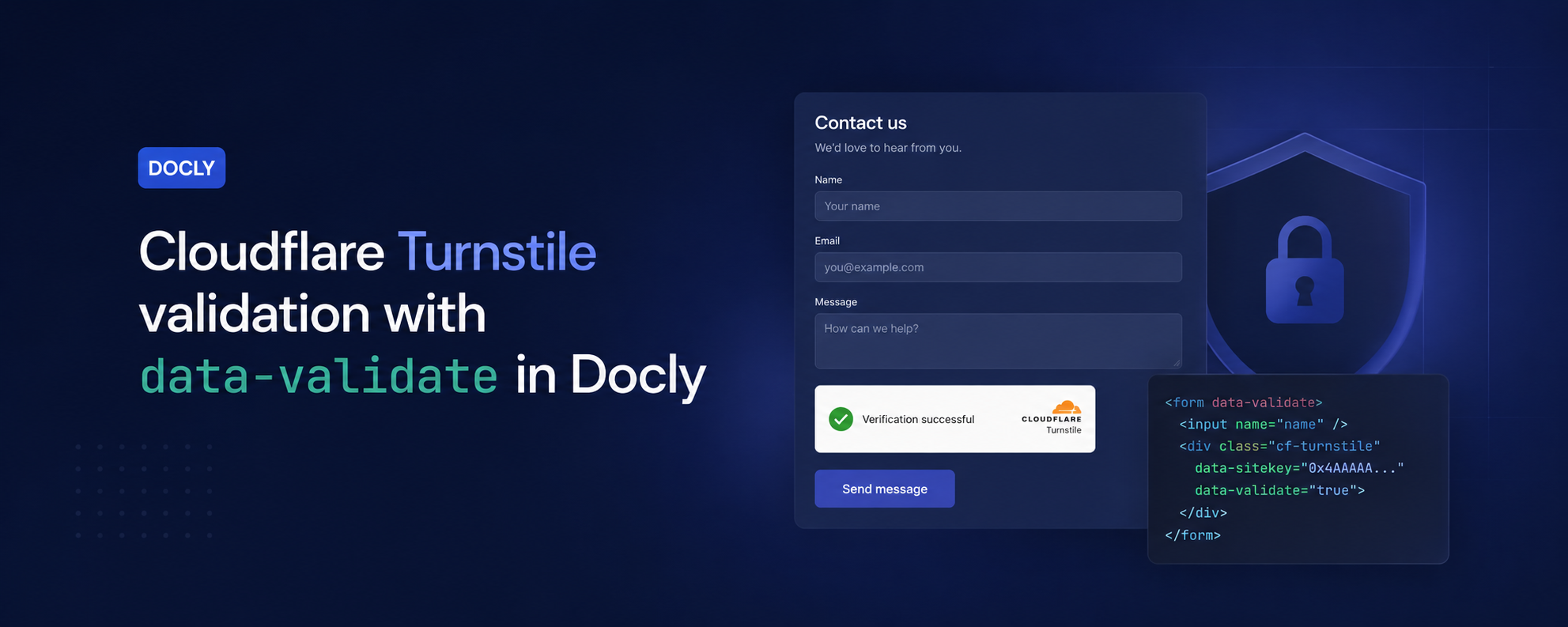
In a previous post we showed how Docly's data-validate attribute can run a server-side function before a form is accepted, using Google reCAPTCHA as the example. The same pattern works for Cloudflare Turnstile — only the validation endpoint and the field name change.
Why Turnstile?
Turnstile is Cloudflare's CAPTCHA replacement. It typically runs invisibly, doesn't ask users to pick out traffic lights, and avoids the third-party tracking that comes with reCAPTCHA. The integration shape is almost identical: a widget renders in the form, produces a token, and your server verifies that token against Cloudflare's siteverify endpoint.
Backend validation with data-validate
As before, data-validate="Turnstile" on the <form> tells Docly to call an API function named Turnstile server-side before the submission is processed. If the function throws, the submission is rejected; if it returns true, it goes through.
Example: Turnstile validation with an API function:
>
Example: Turnstile validation with an API function
#/API/Turnstile.js
export default () => {
    // The form values come in the "form" object as they are posted to the server

    let token = form["cf-turnstile-response"]?.toString();
    if (!token) throw new Error("Validation failed: token not specified!");

    // Validates the token with Cloudflare Turnstile.
    // Refer: https://developers.cloudflare.com/turnstile/get-started/server-side-validation/
    // NOTE: This is a third-party integration, it may be outdated at some point and require updates
    let config = docly.getFile("#/Config");
    if (!config) throw new Error("Turnstile config not found! Please create a config document with a 'CF_Turnstile_Secret_Key' field.");

    let secret = config["CF_Turnstile_Secret_Key"];
    if (!secret) throw new Error("Turnstile 'CF_Turnstile_Secret_Key' is missing in config! Please add it to the config document.");

    let url = "https://challenges.cloudflare.com/turnstile/v0/siteverify";
    let result = docly.httpFormPost(url, {
        secret: secret,
        response: token
        // Optionally also pass remoteip
    });
    if (!result.success) throw new Error("Turnstile validation failed!"); /* It didn't validate and code will exit here */

    return true; // Return true to confirm the validation
}
Note we use docly.httpFormPost rather than docly.httpPost here — Cloudflare's siteverify endpoint expects the body as standard application/x-www-form-urlencoded, not JSON.
>
Form implementation with data-validate
On the page, drop in the Turnstile script and place the widget inside any form you want to protect:
<!-- Include this once per page, typically in <head> -->
<script src="https://challenges.cloudflare.com/turnstile/v0/api.js" async defer></script>

<form data-validate="Turnstile">
    ...
    <!-- Cloudflare Turnstile widget -->
    #let config = docly.getFile("#/Config")#
    <div class="cf-turnstile" data-sitekey="#config.CF_Turnstile_Site_Key#"></div>
    ...
</form>
The widget injects a hidden cf-turnstile-response field into the form, which is exactly the field our server-side function above reads from form["cf-turnstile-response"].
Let's conclude
That's the whole integration: one API function, one attribute on the form, one widget div. The same data-validate mechanism that wired up reCAPTCHA now gives you Turnstile — and the pattern generalises to any backend check you want to run before accepting a submission.
More information about this here: Sending forms by e-mail.