Make a document schema or template publicly available Last updated: 26. May 2026
This guide explains how you share a document or folder with "everyone" in Docly, making it freely available for use by all users.
This feature is only available for developer users.
Open document or folder
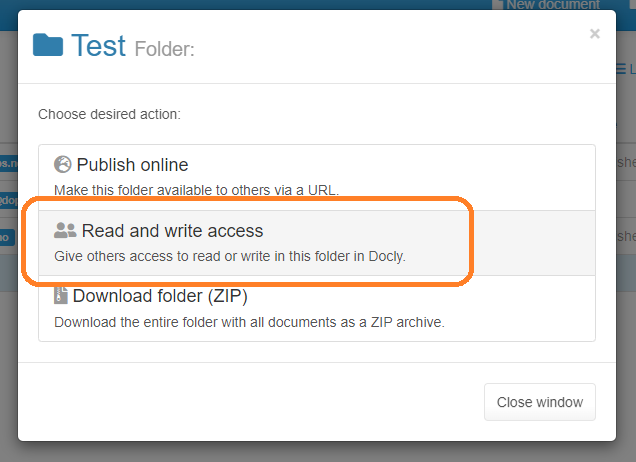
Click "Share" and choose "Read and write access"
Share with everyone
Select "Read only" and in the email enter "everyone":
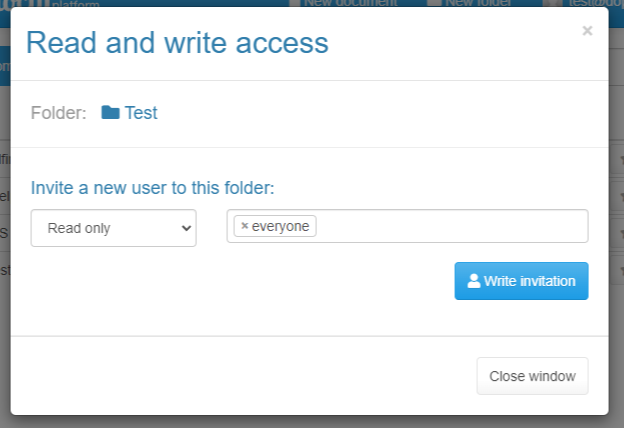
Click "Write invitation" and "Send invitation".
IMPORTANT!
Be careful when sharing your documents and folders with "everyone", so you do not share anything confidential.
The share is created
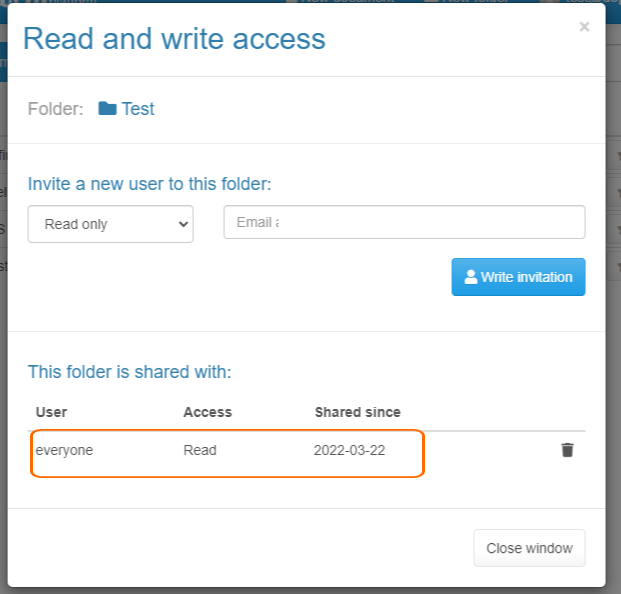
You can now see the share entry in the share dialog: